
1.5 KiB
Yeri AI cheat sheet: images, edits and clips for small teams
Yeri AI bundles text-to-image, image-to-image, text-to-video and image-to-video generation into one web app, and this repo collects what I learned using it. The goal is a short, honest reference: what each part of the tool is good at, and where it still needs a second pass.
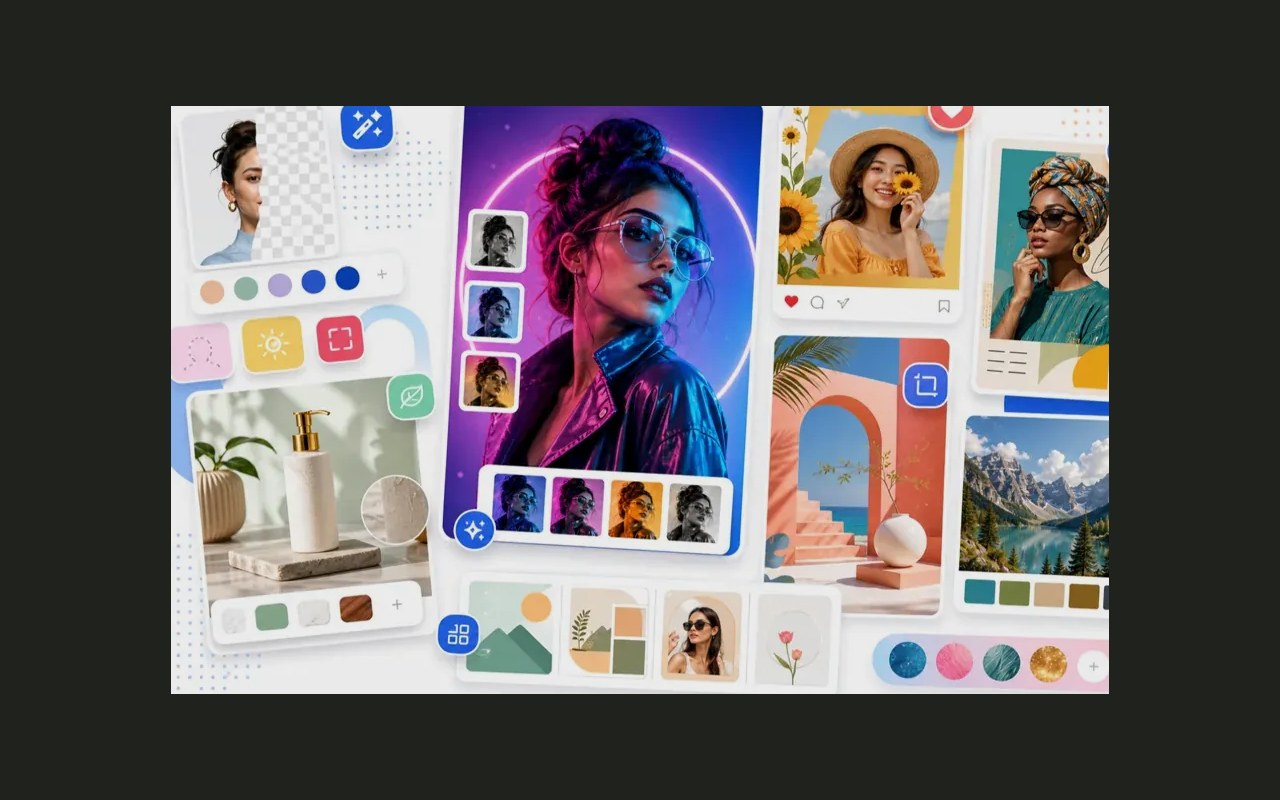
Use cases
I mostly use it for blog headers and short social videos, but it also works for quick mockups when pitching an idea. Marketers, e-commerce sellers, designers and video creators are the people who get the most out of it.
Templates
The prompt library is useful when you are stuck: copy a prompt, change the subject, keep the lighting and composition terms. Video templates and photo effects are the fastest way to get something social-ready; swap in your own photo and adjust the text.
Tips
- Generate four variations, pick one, then iterate on that one only.
- Use the same reference image across a series to keep characters consistent.
- Check hands, text and logos at full size before publishing.
Models
Yeri AI lets you choose the model per job. Seedream is my pick for detailed product shots, Nano Banana for fast drafts and multi-reference edits, and GPT Image when the picture has to contain readable text. Model choice matters more than prompt length. Fast models are fine for exploring ideas; switch to a pro model only for the final render to save credits.
Links
Official site: https://yeri.ai
I update this file when a workflow changes.